iOS26
I just want to show a quick and easy way to remove/restrict some native Applications for iOS. This will also apply to iPads since they also got the Phone application as default in iPadOS26. The new apps are Games and Preview
The settings
So we will need to create a new Policy with the Device Restriction template. Navigate to Devices -> iOS/iPadOS -> Configuration -> Create -> New Policy and then choose profile type Templates and select Device Restriction.
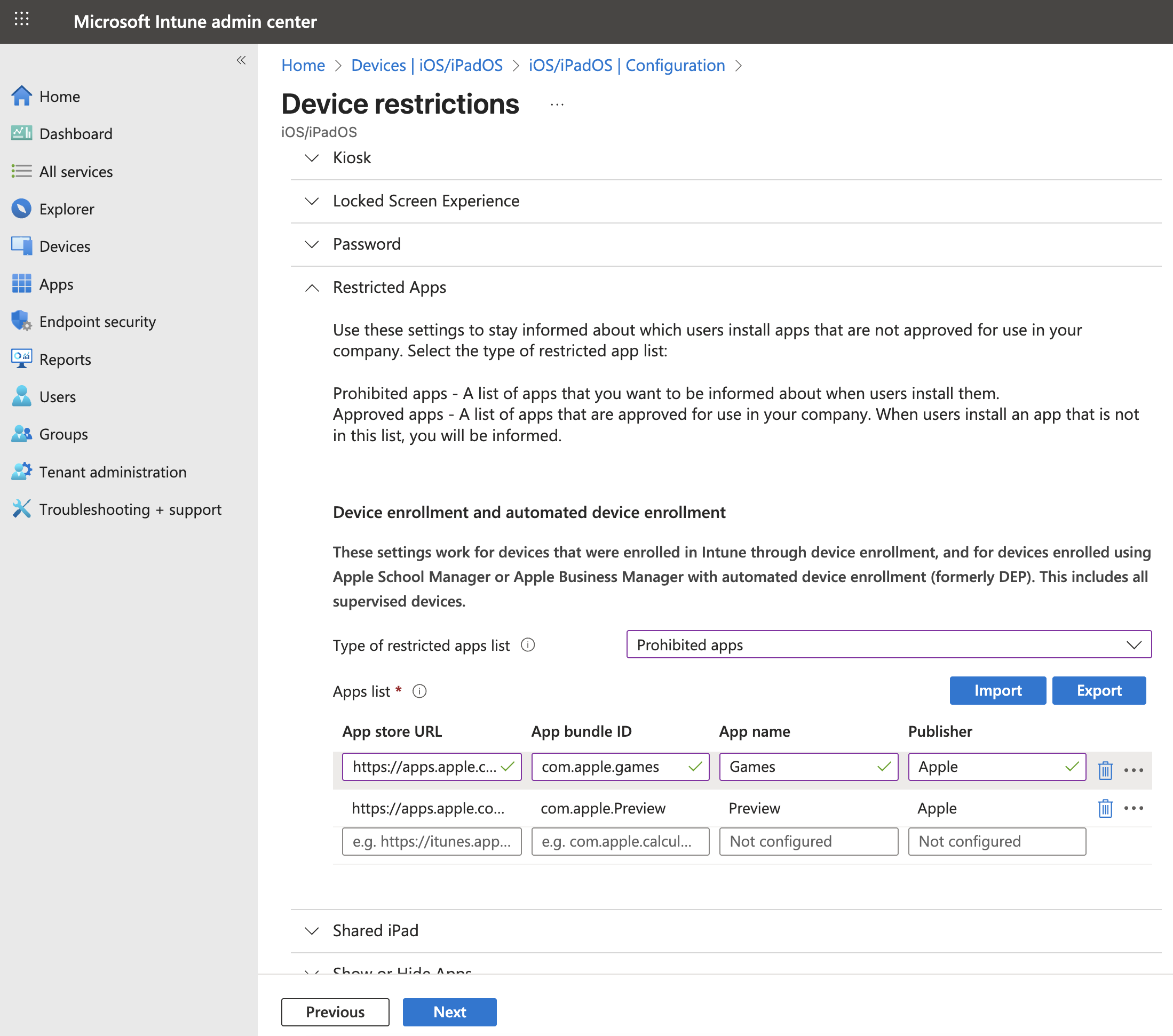
First we can set a name, give it a great one 😎 Next, we want to look for the section Restricted Apps. This will allow us to hide the app and it will also not allow other applications to open or interact with them. The app can't be installed from the App Store either if that's something you want to enforce.
So we need to find the Bundle ID's for the applications and they can be found on Apple's website here: https://support.apple.com/en-gb/guide/deployment/depece748c41/web
Then we can start to add the Bundle's in our configuration policy, it should look something like this:
When you're happy with the configuration. Save it and assign it to your organization!